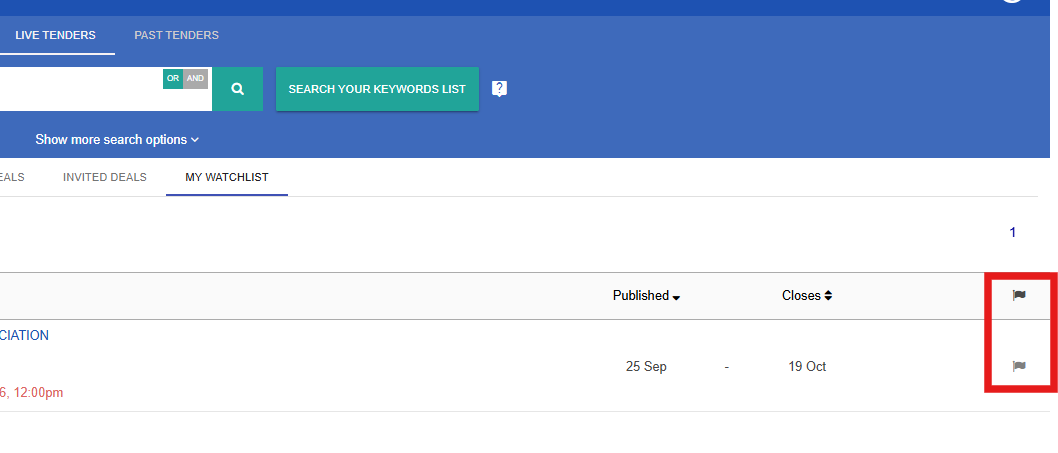
To ensure that you do not miss out on important information regarding deals, TenderBoard will send you notifications on updates for TenderBoard-listed deals on your Watchlist. This includes information on clarifications, amendments and cancellations. If you decide that you do not wish to receive the notifications, you may remove these deals from your Watchlist. You may do this by following the steps below:
1. First, access your Deals page at the top ribbon, then selecting My Watchlist.
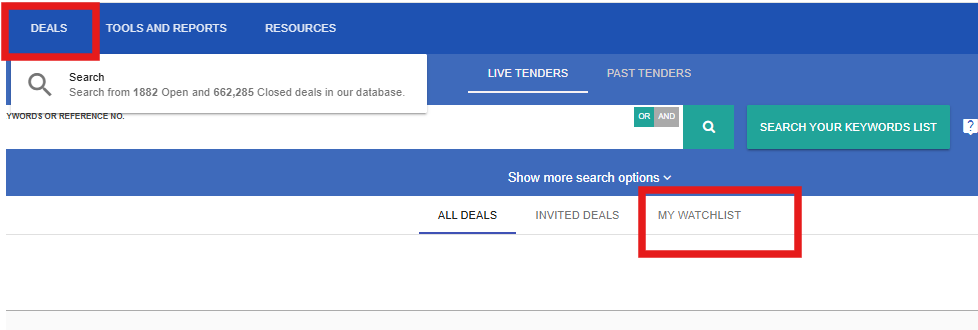
2. On your My Watchlist page, you will see a list of deals that you are currently receiving notifications for.
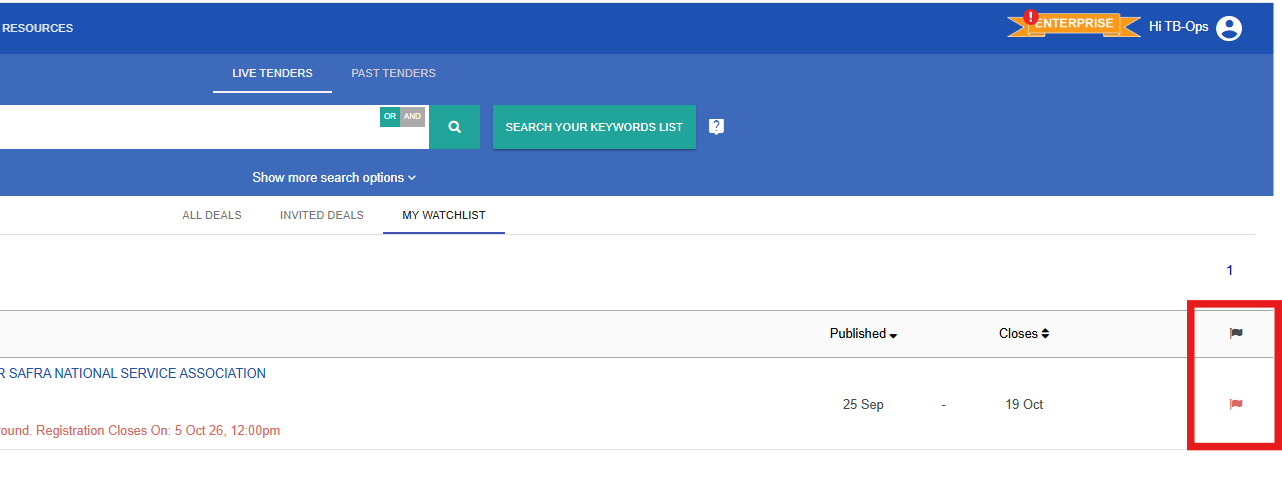
3. Click on the Flag icon to remove a deal from your Watchlist. Once the colour red is change to black , the deal has successfully been removed from your Watchlist. If you change your mind or have clicked wrongly, you may click the flag icon to keep the deal on your Watchlist. Once you refresh the page, the deal is removed from your Watchlist.